Follow tasks and teams
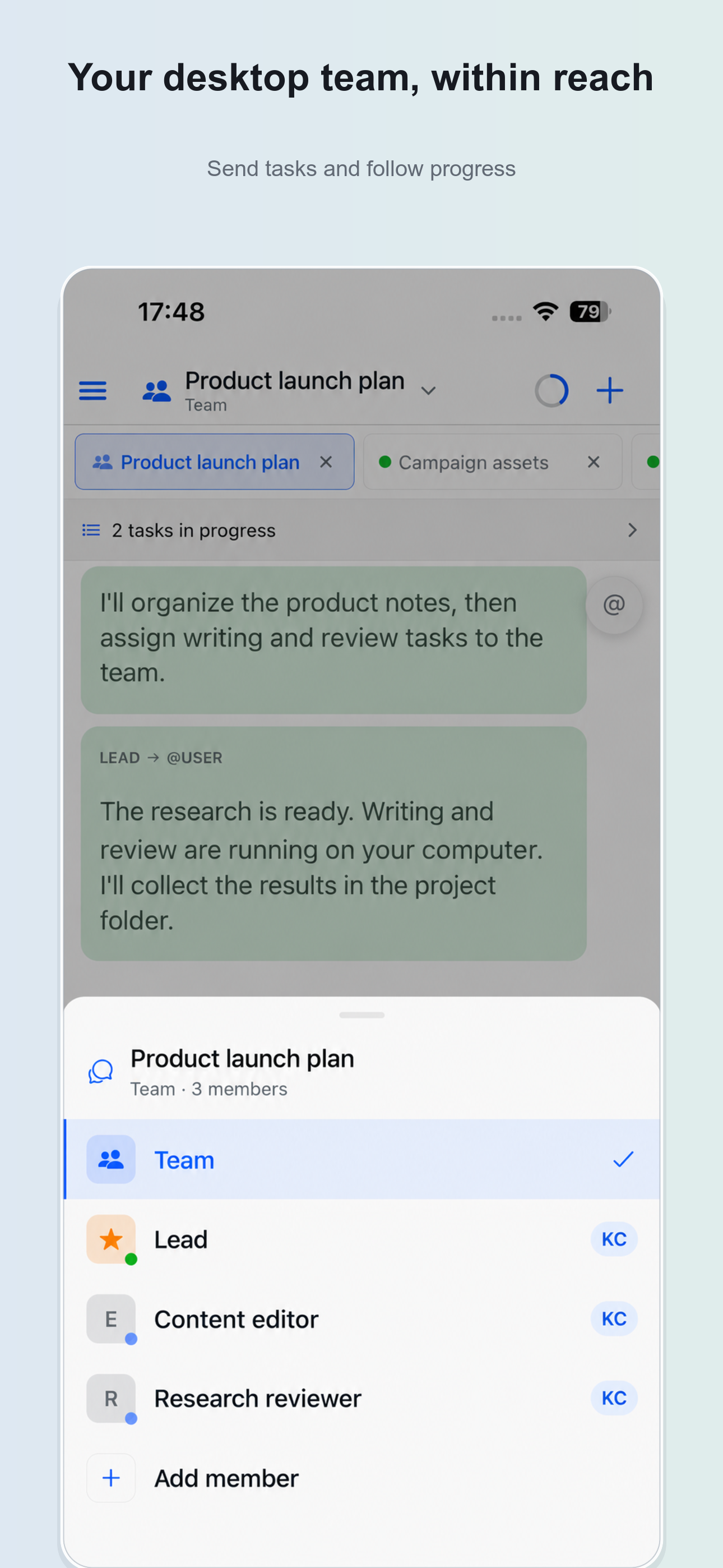
Continue desktop conversations, send instructions and attachments, follow team progress and respond to approval requests.
Hivepod · iPhone and iPad
Hivepod for mobile is the companion remote client for Hivepod Desktop on your own computer. The agents and tools configured on that computer do the work. Use your phone to send tasks, follow progress, handle approvals and review files.
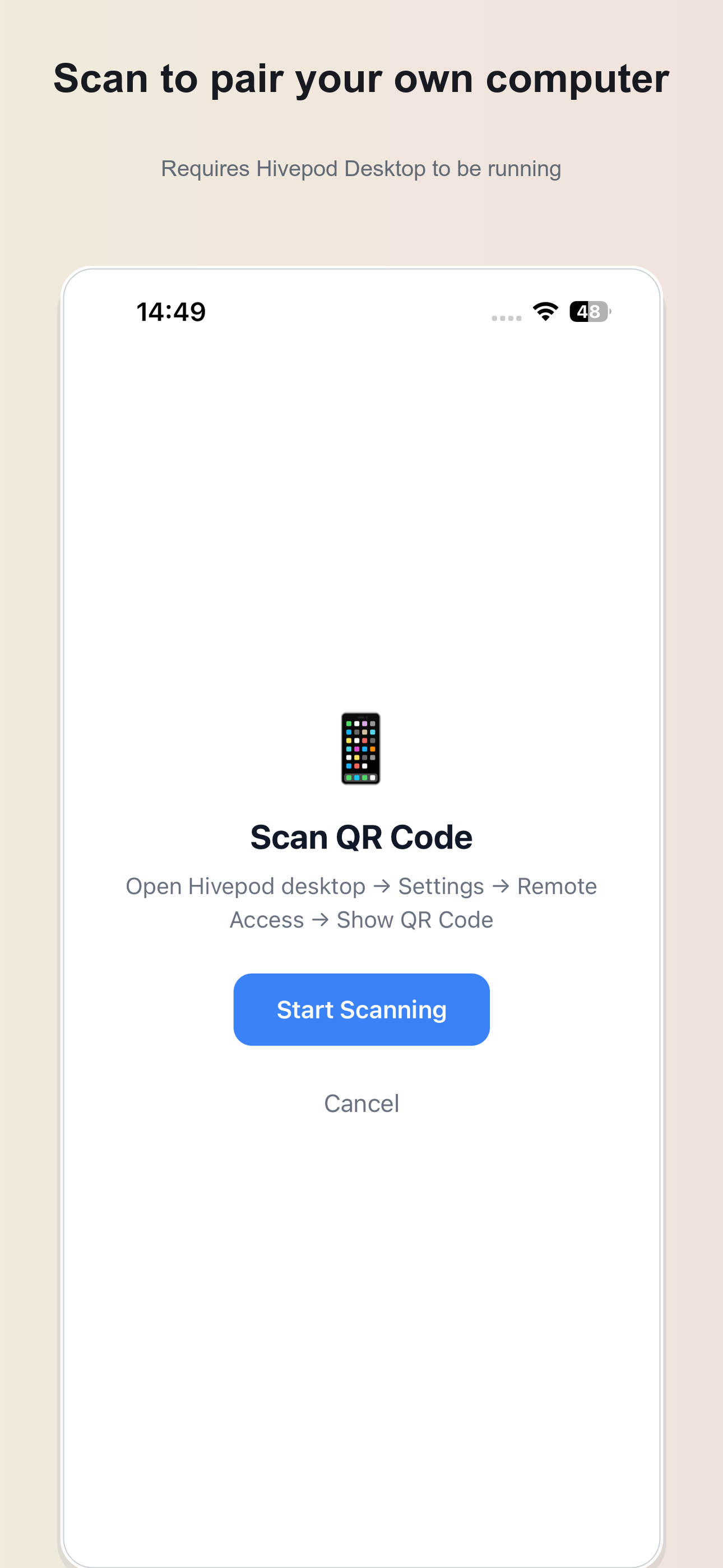
Requires a running Hivepod Desktop and QR pairing. Available capabilities depend on your desktop configuration.
Screens show example tasks and project content. Actual tools and services depend on your desktop setup.
Continue desktop conversations, send instructions and attachments, follow team progress and respond to approval requests.
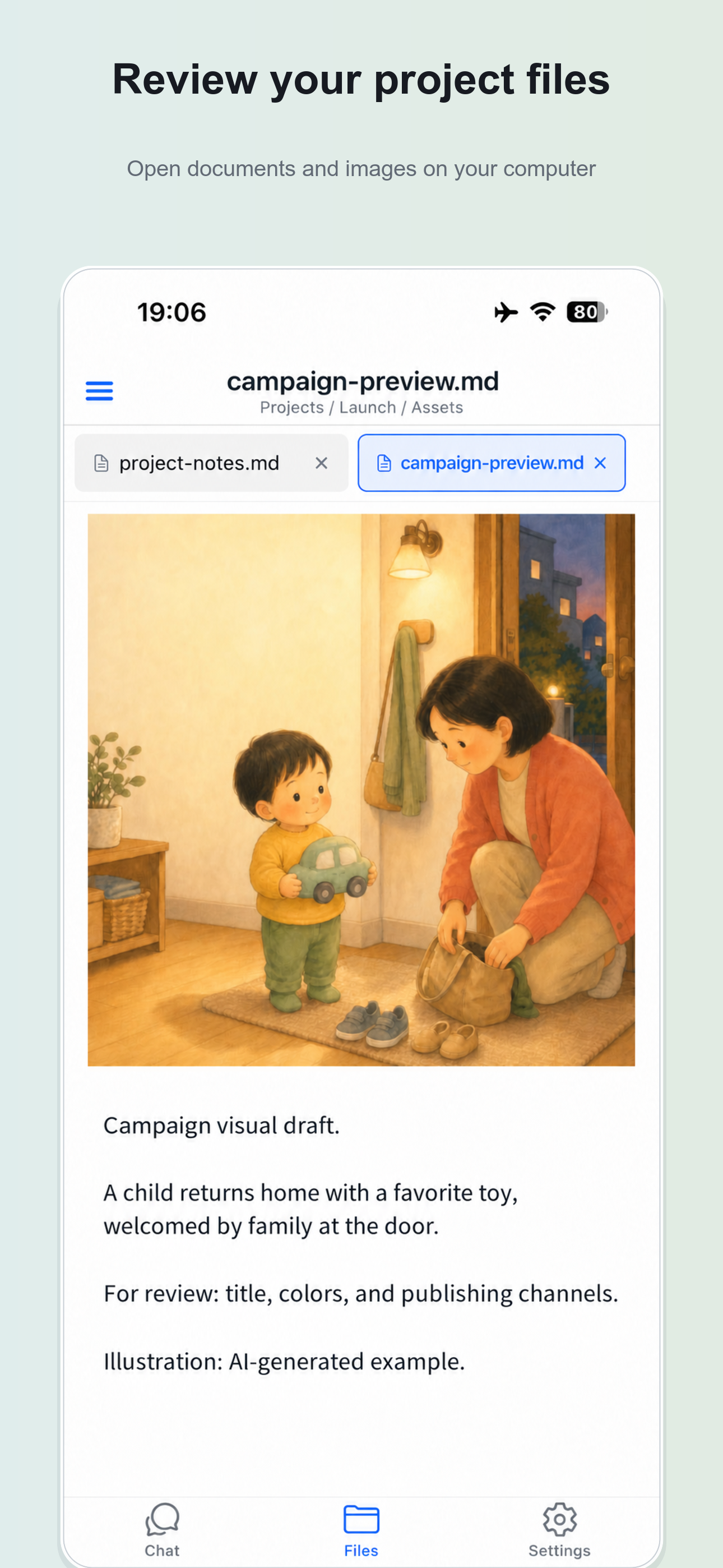
Open documents and images on the paired computer and inspect the results of your tasks.
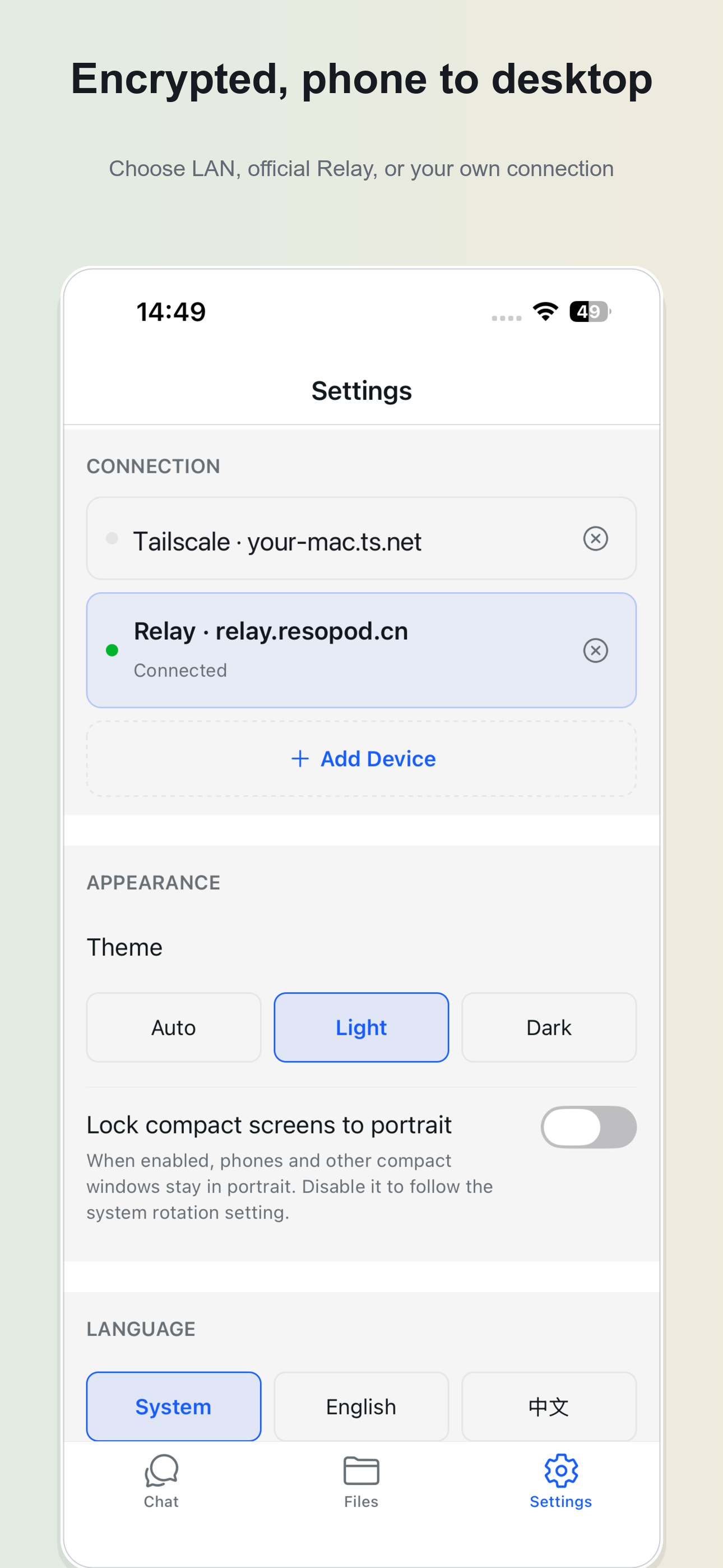
Use a local network, the optional official Relay, or a connection you operate. Phone-to-desktop payloads are end-to-end encrypted; the Relay cannot decrypt that channel.
Use local or third-party speech configured on your desktop. Optional managed speech forwards audio through regional Hive Cloud to a speech provider and keeps account-linked usage records.
The iOS app has no built-in language model, model-provider login or model API credentials. Users configure models and tools on their desktop. Task content may be sent to the configured services. End-to-end encryption describes the phone-to-desktop channel, not subsequent model or speech requests.
The iOS download is free and has no in-app purchase UI. Official Relay and optional managed cloud features depend on desktop membership or entitlements; legacy Relay codes are also supported. LAN and user-operated connections do not require official Relay membership. Third-party services have their own availability, terms and charges.
Privacy policy · Terms of service · [email protected]
App filing: 粤ICP备2026040915号-2A